



A law firm runs on precision, confidentiality, and deadlines.
Client files are sensitive. Court filing dates are fixed. A slow machine or a dropped internet connection on the wrong day can cost a client real money and a firm its reputation. The tech setup behind a law firm has to be reliable, secure, and built to handle the pressure of a demanding professional environment.
When a law firm reaches out to Digitonia, we do not just sell them laptops and wish them well. We ask questions first. How many staff? What does a typical workday look like? Where does the current setup break down? What is the budget, and what is the timeline?
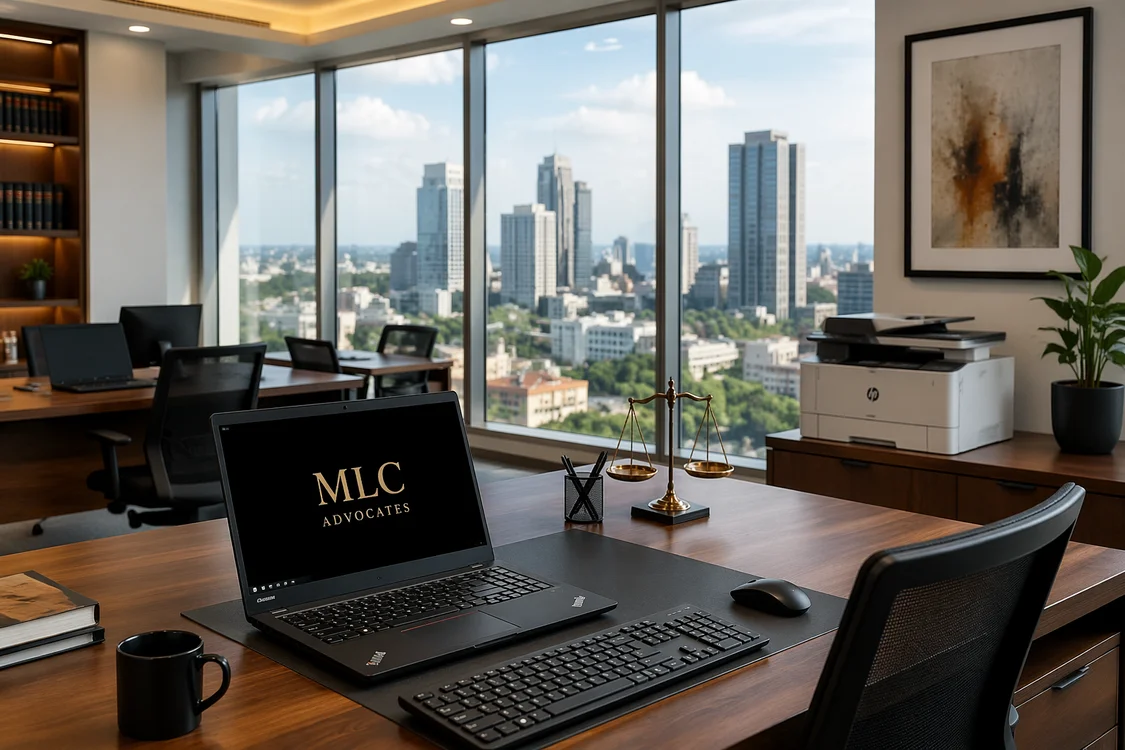
The answers shape everything. Here is what a typical Digitonia law firm setup looks like:— from the first conversation to the day the team sits down and gets to work.
The Brief
A mid-sized law firm. Eight to fifteen staff: a mix of advocates, paralegals, and administrative support. Operating from a rented office in Upper Hill, Westlands, or the CBD. They have been running on a patchwork of personal laptops, a shared printer that jams twice a day, unreliable internet, and no power backup whatsoever.
The pain points are always similar:
- Staff bringing personal laptops to work: inconsistent specs, no centralized security, and no IT control
- A single internet line with no backup when it goes down
- Load shedding that kills productivity for hours at a time
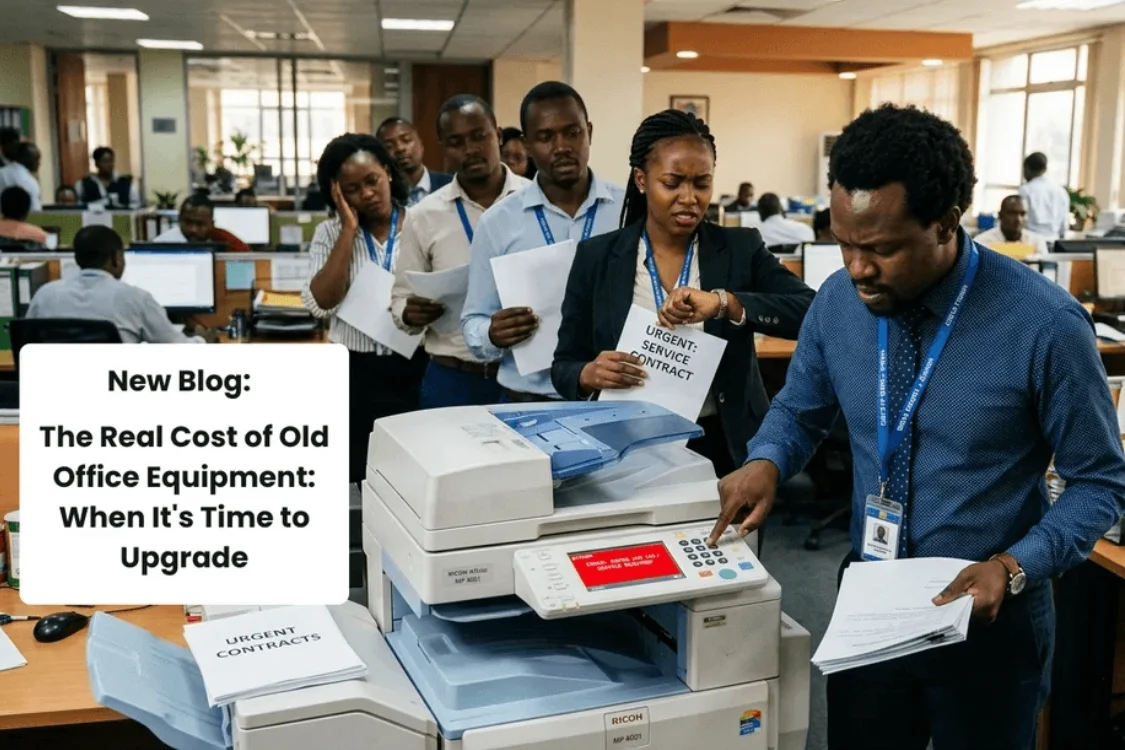
- A printer that is simultaneously everyone’s most-used and most-hated device
- No structured data backup: files living on individual machines with no protection
The goal is to fix all of this in one coordinated setup, without disrupting the firm’s ongoing work.
Step 1: The Workstations
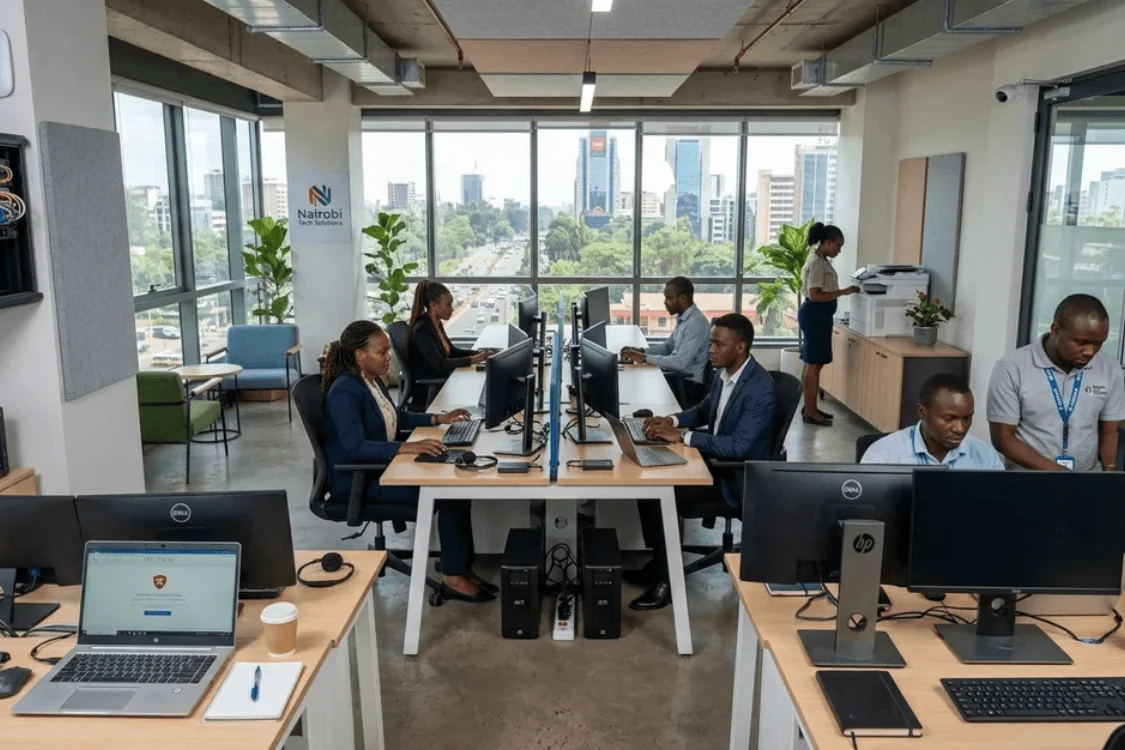
Every advocate and paralegal needs a reliable, fast machine that handles document-heavy work without lag. Legal work in Kenya means Microsoft Word, PDF tools, legal research platforms, document management systems, and multiple browser tabs open simultaneously.
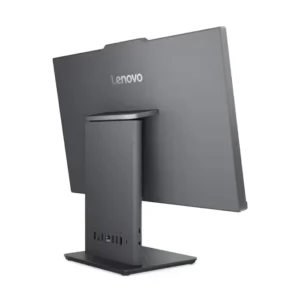
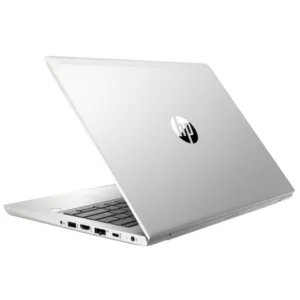
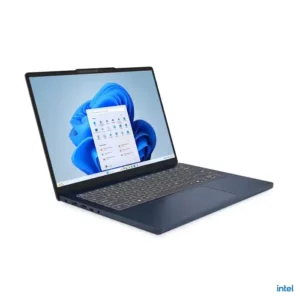
For most law firms, HP Elitebook or Lenovo ThinkPad Ex-UK laptops hit the right balance. Business-grade build quality, 8th or 10th Gen processors, 8GB RAM minimum, and SSD storage: fast, durable, and built for exactly the kind of sustained daily use a busy law office demands. For senior partners who work across multiple locations or carry their machines to court, the slim, lightweight 13.3-inch variants are the right call. For office-based paralegals and admin staff, a 14-inch model with a full keyboard gives more working real estate.
Each workstation gets a wireless keyboard and mouse combo: clean desk, no cable clutter, professional appearance for a firm that receives clients regularly.
Step 2: The Network
A law firm cannot afford internet downtime. Fibre is the primary connection where available, but no law firm should run on a single line with no contingency.
The TP-Link 4G LTE Router TL-MR6400 handles this cleanly. It runs on a Safaricom or Airtel SIM as a standalone 4G router, or plugs into the fibre line and switches automatically to 4G when the primary connection drops. For a law firm, this means a filing deadline never gets missed because the internet went down at the wrong moment.
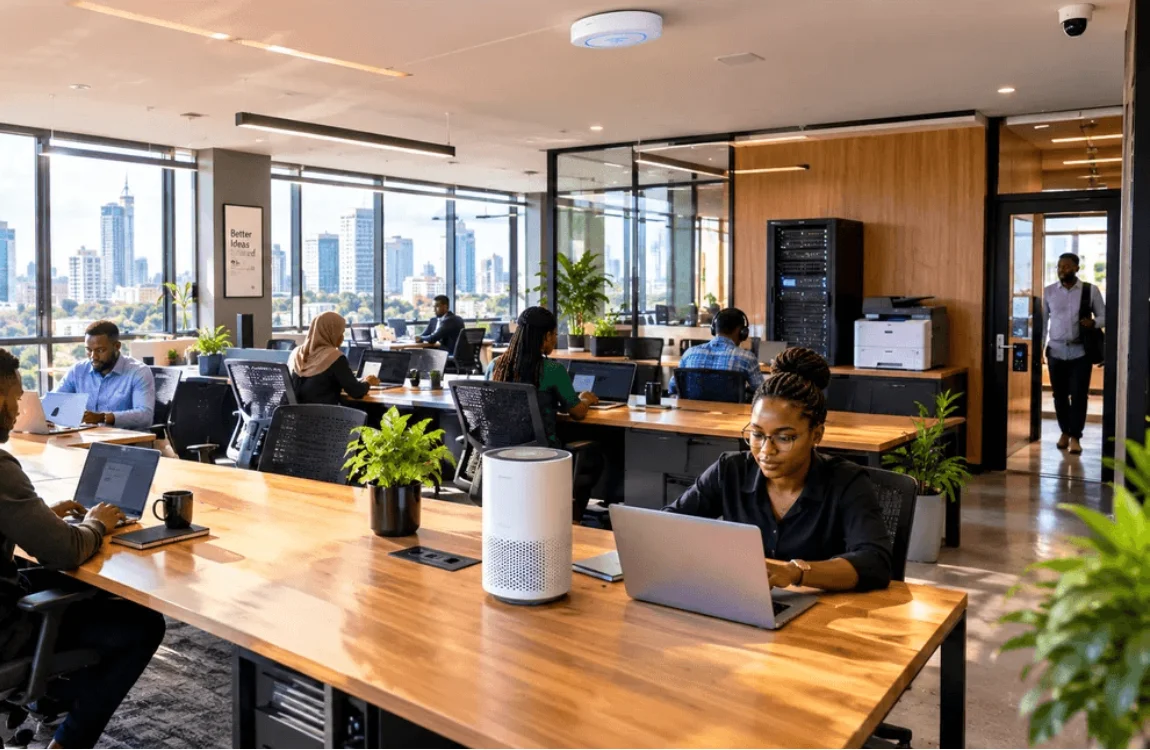
For larger office floors or firms spread across multiple rooms, a TP-Link Access Point EAP245 ensures every corner of the office has strong, consistent Wi-Fi. Ceiling-mounted and managed centrally via the Omada app, it keeps the network tidy and professional: no consumer routers sitting on desks with cables trailing across the floor.
A separate guest network keeps client Wi-Fi completely isolated from the firm’s internal systems: a basic but important security measure.
Step 3: Power Backup
This is where many Kenyan offices cut corners and live to regret it. A law firm with no power backup is one KPLC outage away from a missed deadline, lost billable hours, or worse: corrupted files on a machine that shut down mid-save.
Every office needs at minimum one APC Easy UPS per workstation cluster, which is enough runtime to finish what is on screen, save everything, and shut down cleanly if the outage runs long. For the server or NAS unit storing shared files, a dedicated UPS is non-negotiable.
Every desk gets a Lightwave Power Extension with overload protection between the wall and the equipment. Kenya’s power grid surges without warning. A surge protector is cheap insurance against replacing a KSh 40,000 laptop.
Step 4: Printing and Scanning
Every law firm prints heavily. Contracts, affidavits, court filings, correspondence: the paperless office remains aspirational for most Kenyan firms in 2026. What matters is having a printer setup that handles the volume reliably with no jamming on a filing day, no toner running dry mid-document, and no waiting for a technician every few weeks.
For a firm printing moderate volumes of up to 500 pages per week, then a reliable multifunction laser printer like Kyocera EcoSys 1025 handles printing, scanning, and copying from a single device. Laser is the right call over inkjet for a law firm: faster, sharper text output, and cost-per-page that makes sense at volume.
For firms printing heavy volumes like contracts running into hundreds of pages or bulk correspondence, then a networked office printer like Kyocera M4125IDN that every workstation can access easily is the right investment.
Step 5: Data Security and Backup
This is the conversation most IT suppliers skip entirely, and it is arguably the most important one for a law firm.
A law firm holds sensitive client data: case files, financial records, personal information, privileged communications. Unauthorized access or data loss carries serious professional and legal consequences, which makes security a core part of the setup rather than an optional extra.
Every machine gets a genuine, currently licensed antivirus like Kaspersky Plus, or Quick Heal depending on the firm’s preference: actively updated and properly installed across every workstation.
For backups, every firm needs at least two layers. A SanDisk E30 2TB Portable SSD for fast, daily backups of active case files. A Transcend 4TB External HDD kept offsite at a partner’s home or a secure secondary location for long-term archiving and disaster recovery.
A simple way to test your backup strategy: if the office burned down tonight, how long would it take to recover your files? A properly backed-up law firm measures that in hours. Without a structured backup plan, the answer is far less comfortable.
Step 6: Physical Security
A law firm holds documents that opposing parties, fraudsters, and bad actors would love to access. Physical security is part of the overall setup — not an afterthought.
A Eufy Smart Lever Lock C33 on the office entrance gives the managing partner full control over who accesses the premises and when. Individual PIN codes for each staff member mean access can be granted or revoked instantly: no rekeying, no lost keys, and no awkward conversations. The activity log shows exactly who entered and at what time, which matters for a firm with confidential files on every desk.
A Havit IPC30 2K IP Camera at the entrance and reception area gives remote visibility — the managing partner can check the office from anywhere, receive motion alerts after hours, and have footage available if anything is ever disputed.
What the Full Setup Costs
Every firm is different, and so is every budget. A lean setup for a smaller firm: eight workstations, basic networking, power backup, one printer, antivirus, and backup storage — typically falls between KSh 350,000 and KSh 550,000 depending on the spec of machines chosen and the scope of networking required.
A more comprehensive setup for fifteen workstations with full security, structured cabling, ceiling access points, and premium machines sits between KSh 700,000 and KSh 1,200,000.
Both are investments that pay for themselves quickly in recovered productivity, eliminated downtime, and the professional credibility that comes from a setup that simply works.
Why Law Firms Choose Digitonia
We supply genuine equipment with warranties and stay reachable on WhatsApp long after delivery. Our team stands behind every product we sell, which matters for a firm where equipment reliability directly affects client service.
We also approach every setup as a system: internet, power backup, security, and workstations all working together from day one rather than a collection of individual products assembled without a plan.
Equipping a law firm, a corporate office, or any professional space in Kenya? WhatsApp or call 0795 920 902 for a consultation and customized quote.


Leave a comment
You must be logged in to post a comment.