





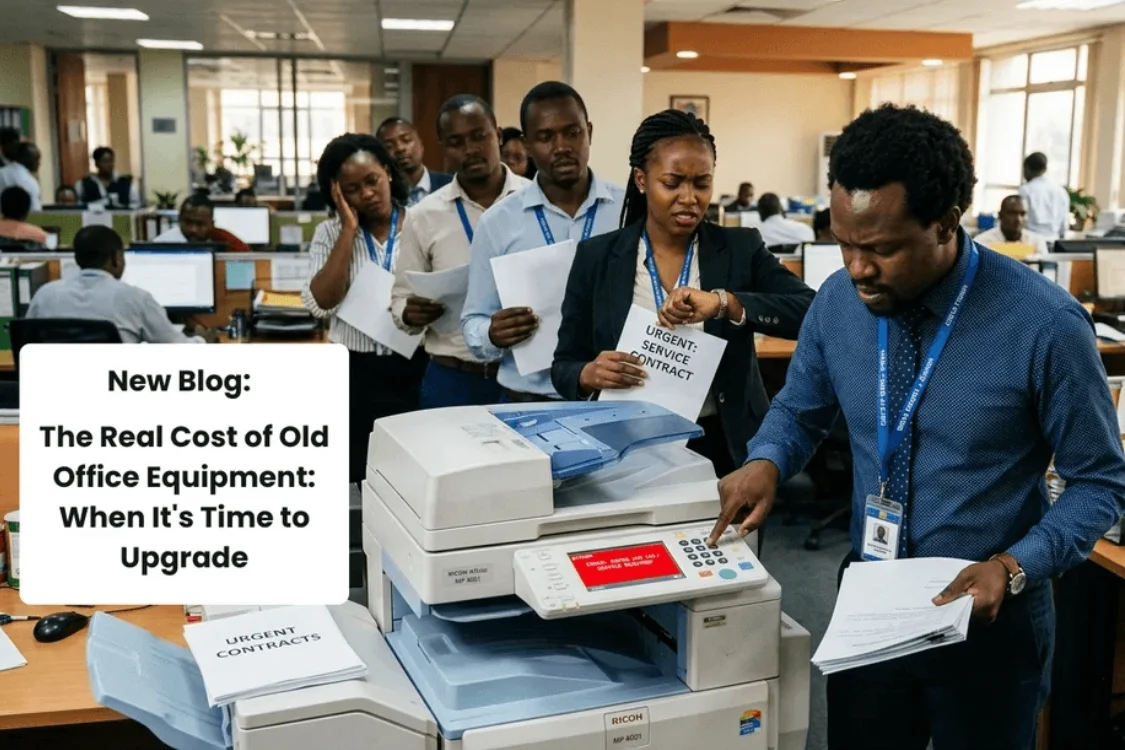
There’s a printer in almost every Kenyan office that everyone has a story about. The one that jams on Fridays. The one that needs three tries and a prayer before a document comes out straight. The one where someone keeps a spare toner cartridge in their desk drawer “just in case,” because ordering a replacement takes a week and the office can’t afford to stop.
Nobody budgets for that printer. It just quietly costs the business money every single day it’s in use, and because the cost is spread out in small doses, minutes lost here, a callout fee there, it rarely gets flagged as a problem worth solving. But add it up over a year, and old office equipment is often one of the most expensive things a small business owns without knowing it.
The Cost You Don’t See on an Invoice
When a machine is new, downtime is rare enough that nobody thinks about it. As equipment ages, though, small failures start happening more often, a scanner that needs restarting mid-job, a printer that overheats after twenty pages, a laptop that takes four minutes to boot before anyone can start work. None of these show up as a line item in your accounts. They show up as a slower morning, a client left waiting for a document, a team member quietly frustrated before 9am.
For a busy front office, whether that’s a law firm processing client files, a school administration desk handling enrolment paperwork, or a retail shop printing receipts and invoices, this kind of friction adds up fast. A five-minute delay repeated ten times a day, across a five-day week, is close to four hours of lost productivity a month from one machine alone.
Repairs Add Up Faster Than Replacements
There’s a point in every machine’s life where repair costs stop being occasional and start becoming routine. A toner sensor here, a paper feed roller there, a technician callout because the network card has failed again. Individually, each repair feels reasonable. Collectively, a business can spend a significant portion of a new machine’s value keeping an old one limping along, and still be left with equipment that’s slower and less reliable than when it started.
This is especially true for laser printers and multifunction devices handling daily volume. A printer rated for a modest monthly duty cycle that’s now being pushed well past that limit, because the business has grown but the equipment hasn’t, wears out its internal components far faster than the manufacturer intended. The repairs become a pattern, not an exception.
Security Risks Nobody Talks About
Older office equipment carries a risk that’s easy to overlook: outdated firmware and weak built-in security. A shared printer without proper user authentication or data encryption is a soft entry point for anyone looking to access sensitive documents on a company network, particularly for legal, financial, or medical offices handling client information that genuinely needs protecting. Newer business-grade multifunction printers, like the Kyocera EcoSys 1025 MFP, are built with stronger network security and user authentication as standard, closing a gap that older hardware simply wasn’t designed to handle.
What “Upgrading” Actually Solves
The point of upgrading office equipment isn’t about having the newest thing in the room. It’s about removing friction that’s become invisible because everyone’s gotten used to working around it.
For a growing SME printing daily invoices, contracts, and client-facing material, moving to a colour laser multifunction device like the Brother MFC-L3760CDW means print jobs that used to take minutes now take seconds, an automatic document feeder that handles a stack of contracts without someone standing over it, and duplex printing that quietly cuts paper costs every month.
For a business that’s been refilling the same overworked cartridge printer for years, switching to an ink tank system like the Epson EcoTank L6490 changes the maintenance conversation entirely, ink designed to cover thousands of pages between refills, instead of cartridges that run dry every few weeks.
And for offices with genuinely high daily volume, a hospital reception desk, a busy corporate floor, a government service counter: a machine like the Kyocera M4125IDN is built with a duty cycle that matches the pace of the office, rather than one that’s constantly running past its limits.
Ageing Laptops Tell the Same Story
The same logic applies well beyond printers. A laptop that takes five minutes to open a spreadsheet, or that can’t run the software a team now depends on, isn’t saving the business money by staying in service. It’s costing time every single day, time that adds up across a team far faster than the cost of a replacement machine would.
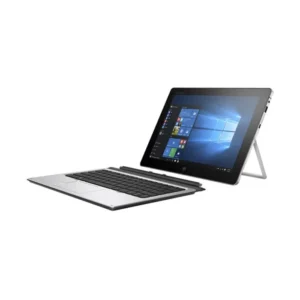
This is where an Ex-UK refurbished laptop makes sense for a growing office. A machine like the HP EliteBook 840 G6 (Core i7, 16GB RAM, 512GB SSD) or the Lenovo ThinkPad X1 Yoga (Core i7, 16GB RAM, 512GB SSD) gives a team business-grade performance, enough memory to keep multiple tabs and programs open without lagging, and a solid-state drive that boots in seconds rather than minutes, all without the price tag of buying new. For staff who need a bit more portability, something like the Dell Latitude 7390 or HP EliteBook 830 G6 covers the same ground in a lighter, more compact build.
The point isn’t necessarily to buy the newest laptop on the market. It’s to replace the machine that’s quietly stealing minutes from every workday with one built to actually keep pace with the work.
Knowing When It’s Time
There’s no single moment that signals it’s time to upgrade. It’s usually a pattern: repairs happening more often than they used to, staff quietly working around a machine’s limitations, or a business that’s simply grown past what its original equipment was ever built to handle. Recognizing that pattern, rather than waiting for a full breakdown, is what separates a planned upgrade from an emergency one.
If your office is running on equipment that’s started to feel like more trouble than it’s worth, it’s worth a proper look at what’s actually costing you, in time, in repairs, and in the small daily friction that adds up. Get in touch with the Digitonia team on WhatsApp 0795 920 902, and we’ll help you figure out what upgrade actually makes sense for where your business is today.



Leave a comment
You must be logged in to post a comment.