



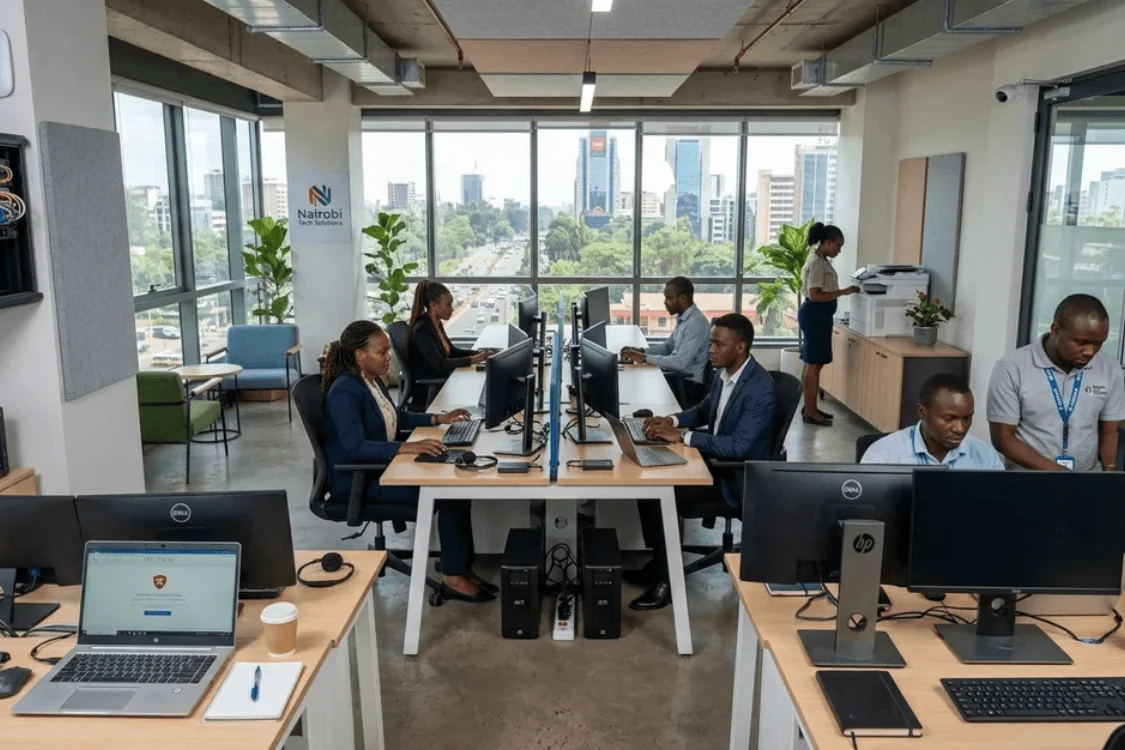
Running a small business in Kenya already comes with enough challenges. Finding customers, managing cash flow, keeping employees productive and dealing with day-to-day operations all demand your attention.
The last thing you need is for your business to stop because a laptop failed, the office Wi-Fi keeps dropping, a power outage damaged equipment, or your printer ran out of toner when you needed an important document.
But technology problems don’t always look like broken equipment. Sometimes it’s an outdated website, an online store with neglected product listings, employees who don’t know how to use the tools you’ve invested in, or a business that hasn’t figured out how to use AI effectively.
Technology isn’t something your business simply needs to own. It needs to work reliably, protect your information, support your people and help your business grow. The good news? You don’t need a massive corporate IT budget to achieve this. You need the right combination of technology, digital services and support.
Here are 10 things every small business should consider having in its IT setup.
1. Reliable Business Laptops
Your employees can only work as effectively as the equipment they use. A slow laptop affects everything from opening documents and responding to emails to running business applications and attending online meetings.
For small businesses, business-class laptops such as HP EliteBooks, Lenovo ThinkPads and Dell Latitudes provide a practical foundation for everyday work. Depending on your budget and workload, newer models such as the Dell Latitude 5430/7340, Lenovo ThinkPad E16 and ASUS ExpertBook range are also worth considering.
The important question isn’t simply:
“How much does the laptop cost?”
It’s:
“Will this laptop allow the employee to work efficiently for the next several years?”
Buying the cheapest computer available can become expensive when you factor in downtime, repairs and early replacement.
2. Proper Monitors and Workstations
A laptop can get the job done, but that doesn’t necessarily mean it provides the best working environment. Employees working with spreadsheets, accounting systems, design software, documents or multiple browser windows can benefit significantly from a larger external display.
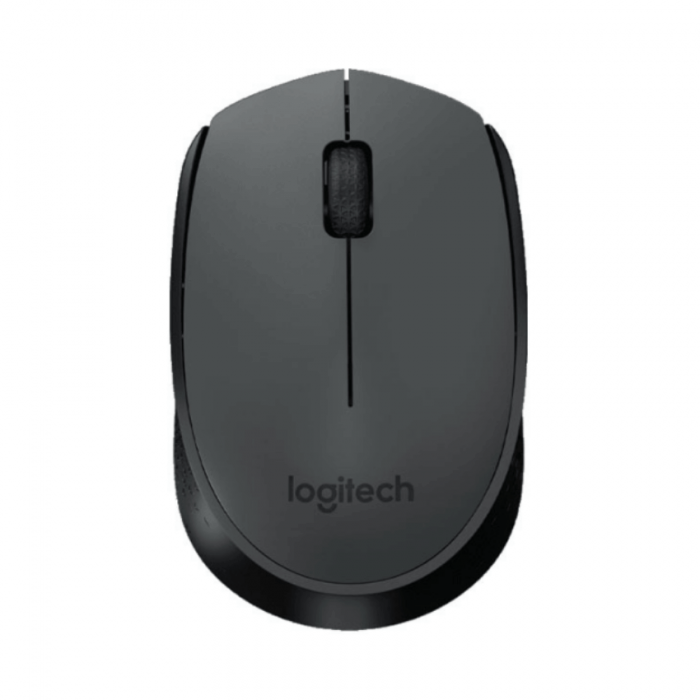
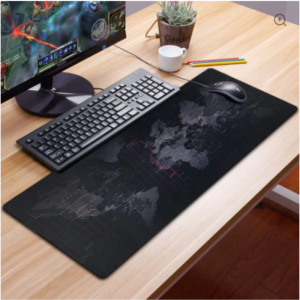
A 27-inch HP P27v G4 monitor, for example, gives employees considerably more screen space than a typical laptop. And don’t forget the smaller components of the workstation. A good laptop stand, keyboard, mouse and docking station can turn a basic laptop into a much more practical desktop-style setup.
The goal isn’t to buy more equipment. It’s to create a workstation that helps people work better.
3. Reliable Internet and Business Networking
Your internet connection is now part of your business infrastructure. Cloud applications, email, online meetings, payment platforms, WhatsApp communication, accounting systems and shared files all depend on reliable connectivity.
A basic home router may be enough for a small household, but growing businesses often need better coverage and more control over their network. Equipment such as the TP-Link TL-MR6400 4G LTE router, TP-Link EAP115 access point and TL-WA850RE range extender can help businesses build a more reliable network, depending on their environment.
But hardware alone isn’t the solution. Your network should be properly planned and configured so employees aren’t constantly searching for a stronger Wi-Fi signal.
4. Power Backup
Power interruptions are more than an inconvenience when you’re running a business. A sudden outage can interrupt a client meeting, shut down a computer while a document is being prepared or cause employees to lose unsaved work. Repeated power fluctuations can also put sensitive electronic equipment at risk.
That’s why a proper small-business IT setup should include UPS and surge protection. APC and Mercury UPS systems are available in different capacities depending on the equipment and power requirements, while surge-protected extension sockets can provide additional protection for smaller devices.
The objective is simple: Keep critical equipment running long enough to save work, shut down safely or continue operating until power is restored.
5. A Business Printer That Matches Your Workload
For a business, choosing a printer shouldn’t be based solely on the purchase price.
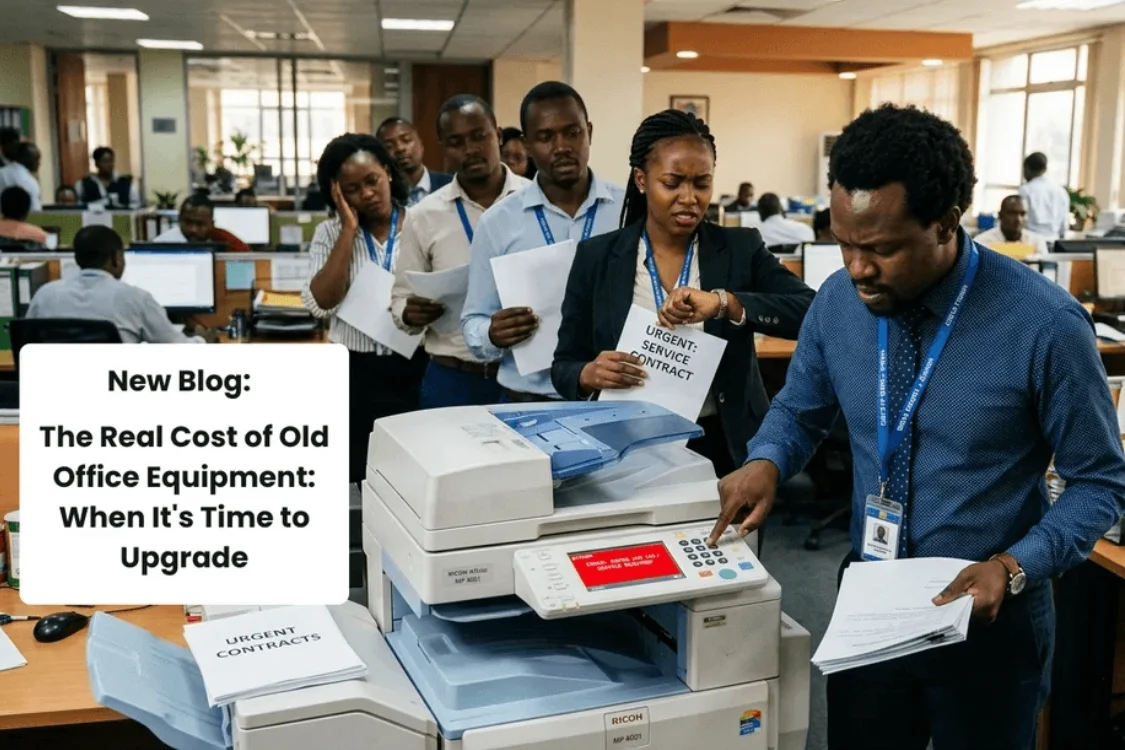
Every office has that printer story. The printer that jams just before an important meeting. The printer that suddenly refuses to connect. The printer that runs out of toner when a tender document needs to be printed.
Consider:
- How many pages do you print each month?
- Do you need colour?
- Do you scan and copy documents?
- How expensive are the consumables?
- How many employees will use the printer?
- Is automatic duplex printing important?
- What happens when the toner or ink runs out?
Digitonia’s range includes Canon, Epson, HP, Brother and Kyocera printers for different business requirements.
But the printer itself is only one part of the equation. A reliable printing setup should also consider consumables, maintenance and ongoing availability of toner or ink. That’s why a proper Printer & Consumables Supply Contract can be more valuable than simply buying a printer and hoping for the best.
6. Data Storage and Backup
Your laptop is not a backup system. If important company files exist only on one computer, your business is vulnerable to hardware failure, theft, accidental deletion or other unexpected problems.
External storage can provide a practical way to create additional copies of important files. Digitonia stocks options ranging from SanDisk SSDs and flash drives to Transcend external hard drives and NVMe storage solutions.
But remember: Buying an external drive doesn’t automatically mean your business has a backup strategy.
Your business should determine:
- What needs to be backed up?
- How frequently?
- Where is the backup stored?
- Who is responsible for it?
- Can the files actually be restored?
A backup is only useful if you can recover your information when you need it.
7. Antivirus and Security Software
Small businesses sometimes assume that cybercriminals are primarily interested in large corporations. That’s a dangerous assumption. Small businesses still handle customer information, financial information, passwords, business documents and other valuable data.
A proper security setup should therefore be part of your basic IT infrastructure. Digitonia offers security solutions including Bitdefender, Kaspersky, Norton and Quick Heal, with different device and subscription options.
But security software is only part of the picture. Your business should also have strong passwords, regular updates, sensible access controls and employees who understand basic cybersecurity practices. Your people are part of your security system too.
8. Communication and Video Meeting Equipment
Modern businesses don’t always conduct meetings around a boardroom table. Clients, suppliers, partners and remote employees may be in different locations. A good webcam, microphone, headset or video-conferencing display can make a noticeable difference to the quality of online meetings.
For businesses that regularly conduct virtual meetings, equipment such as webcams, headsets, microphones and video-conferencing monitors can turn a basic computer into a more professional communication setup. For larger meeting environments, solutions such as the Dell P2424HEB and P2724DEB video conferencing monitors can provide an integrated meeting experience.
9. Physical Security and Surveillance
Digital security is only one part of protecting your business. Your physical office also contains valuable equipment, documents and information. Laptops, monitors, printers and networking equipment can represent a significant investment, particularly for a growing business.
CCTV cameras can help you monitor activity around important areas of your premises.Digitonia offers options such as the Tenda CP7 5MP Security Pan/Tilt Camera and Havit IPC30 2K 3MP Wi-Fi camera for businesses looking to add surveillance to their environment.
Smart access solutions can also complement traditional security. For example, a smart door lock can help businesses control access to specific rooms or offices. The objective isn’t simply to record incidents. It’s to improve visibility, deter problems and protect your business.
10. Someone Who Can Help When Things Go Wrong
This is the part many small businesses overlook. You can have good laptops, a reliable printer, a UPS, network equipment and security software. But what happens when something stops working?
Who troubleshoots the network? Who helps configure a new laptop? Who handles printer problems? Who checks whether your backups are actually working? Who helps you decide what technology you need as the business grows?
This is where ongoing IT support becomes valuable. Digitonia’s Annual IT Support Bundle provides ongoing technical assistance, scheduled maintenance, troubleshooting and support to help businesses keep their technology running reliably.
Think of it as having an IT department without the cost of maintaining a full-time internal team.
But IT Doesn’t Stop at the Office Door
Having reliable equipment is only one part of running a modern business. Your business also needs to be visible online, able to sell digitally, ready to use new technologies and equipped with people who know how to use them.
A Professional Online Presence
Your website is often the first place potential customers, clients and partners go to learn about your business. A professional website should clearly communicate what you offer, build trust and make it easy for people to contact you.
Digitonia provides website design, maintenance and SEO, helping businesses build and maintain an online presence that stays current, secure and discoverable.
An Online Store That Doesn’t Manage Itself
Selling online is more than uploading products and waiting for orders. Product listings need to be updated. Prices and information change. Orders need attention. Products need to be organized and optimized so customers can find them.
Digitonia’s E-Commerce Management service can help businesses manage product listings, catalogue information and orders while optimizing online stores for better visibility and customer experience. You focus on selling. We help manage the digital side.
AI That Actually Helps Your Business
AI doesn’t have to be complicated or reserved for large technology companies. Businesses can use AI to create employee training, educational content, product explainers and other communication materials.
Digitonia can create AI avatar videos, training and learning videos, and translate video content into Swahili, helping organizations deliver consistent and accessible content to their teams and audiences. The goal isn’t to use AI because it’s trendy. It’s to use it where it saves time, improves communication or makes training more effective.
Your People Need Digital Skills Too
Technology only creates value when people know how to use it. A business can invest in new software, AI tools, e-commerce platforms and productivity systems, but if employees aren’t confident using them, much of that investment goes to waste.
Digitonia provides Digital Transformation Training for employees, entrepreneurs, educators and organizations.
Training covers areas such as:
- Digital and computer skills
- Workplace productivity tools
- Online business and e-commerce
- Digital marketing
- AI tools
- Cybersecurity awareness
The goal is simple: give your people the skills to get more from the technology you’ve invested in.
Your Small Business Doesn’t Need More Technology. It Needs the Right Technology.
It’s easy to look at everything above and think:
“That’s a lot of technology.”
But the objective isn’t to buy everything on the list. It’s to identify what your business actually needs.
A five-person accounting firm won’t have the same requirements as a 30-person logistics company. A retail shop won’t have the same IT needs as a school. A growing consultancy may prioritize laptops, monitors and reliable internet, while an online retailer may need stronger e-commerce management and digital marketing support.
Your technology should be built around your business—not the other way around. That’s the difference between simply buying technology and building an IT solution.
Build Your Business IT & Digital Setup With Digitonia
At Digitonia, we don’t believe businesses should have to figure out technology one product or service at a time.
Whether you’re setting up an office, upgrading your IT infrastructure, managing your online store, building a website, adopting AI, or training your team, we can help you put the right technology to work.
Our solutions include:
- Office Setup — Build a reliable technology foundation for your workplace.
- School Computer Lab — Equip learning environments with the technology and infrastructure they need.
- Printer & Consumables Contract — Keep your business printing without the hassle.
- Annual IT Support Bundle — Get ongoing technical assistance and proactive support.
- Website Design & Maintenance — Build and maintain a professional, search-friendly online presence.
- E-Commerce Management — Let us manage and optimize your online store, listings and orders.
- AI as a Service — Create training, learning and communication content using practical AI solutions.
- Digital Transformation Training — Equip your team with the skills to use technology effectively.
Your business doesn’t need technology for the sake of technology. It needs the right technology, the right services, and the right people to make it work.
Ready to build a better technology setup?
Get in touch with Digitonia Systems Ltd today by calling or WhatsApp 0795 920 902 for customized IT and digital solutions built around your business.


Leave a comment
You must be logged in to post a comment.