



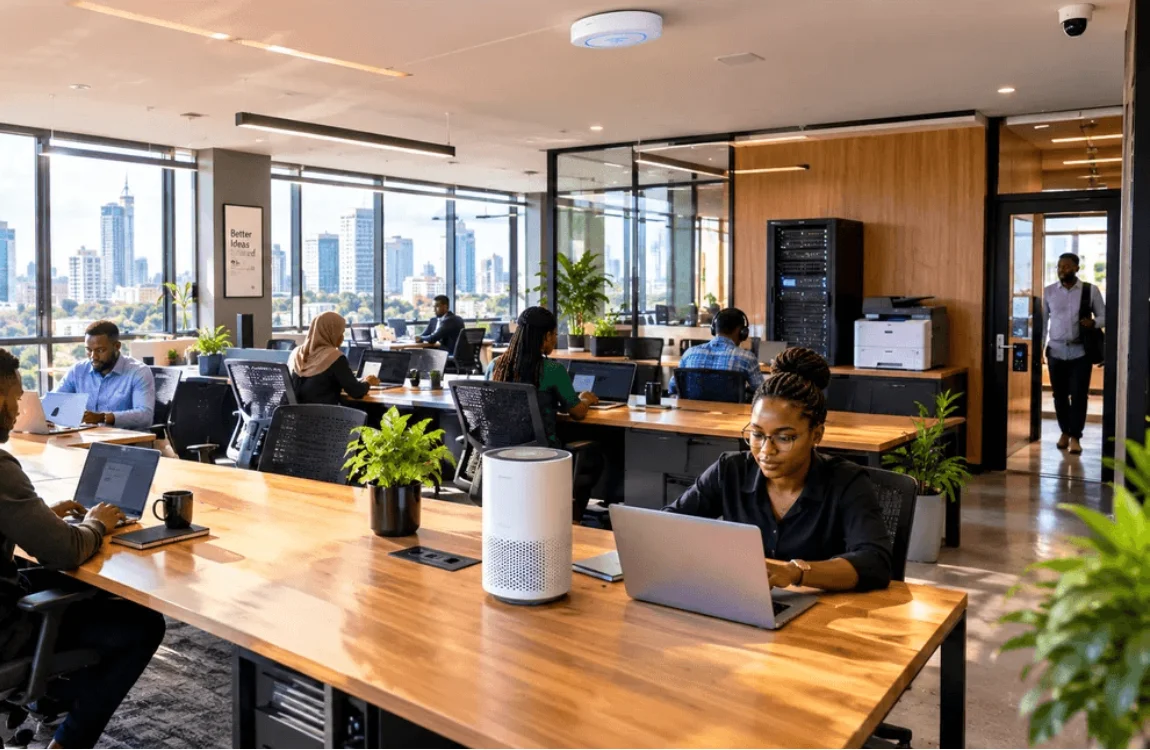
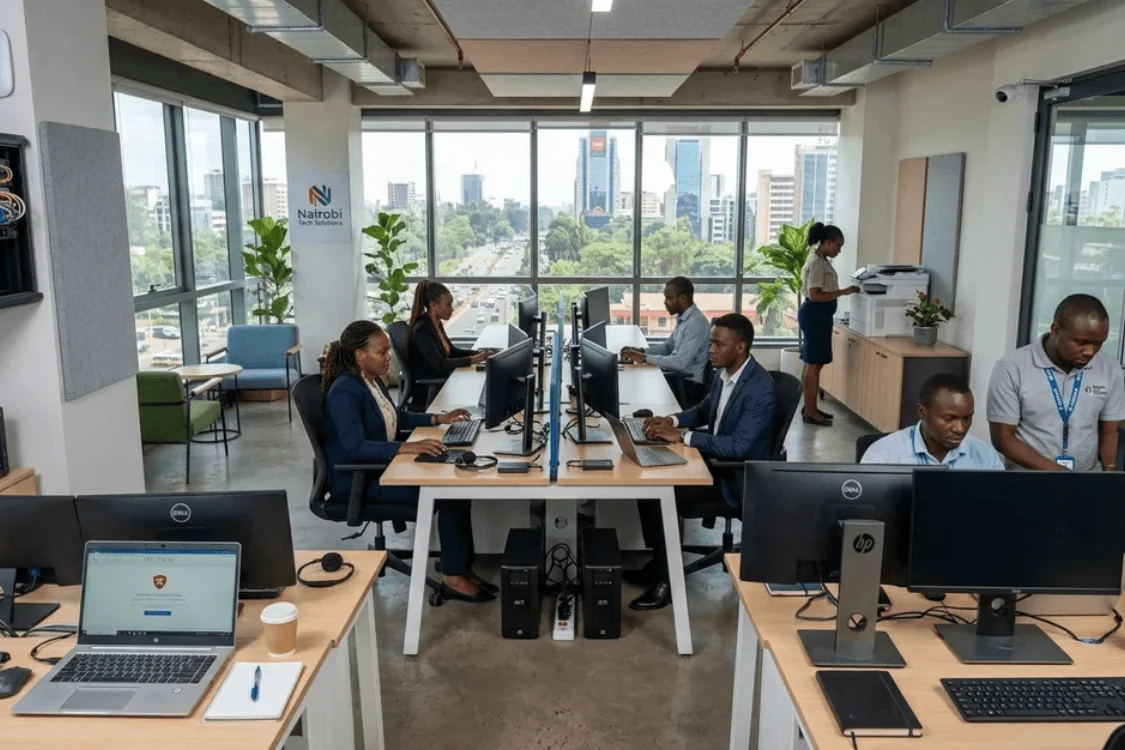
Co-working spaces are one of the fastest-growing business categories in Kenya. From Westlands to Kilimani, Karen to Upperhill, entrepreneurs, remote workers, freelancers, startups, and even some corporates are choosing flexible shared workspaces over traditional office leases. The demand is real, it is growing, and the opportunity for property owners and entrepreneurs who get the setup right is significant.
But getting the setup right is harder than it looks.
A co-working space serves multiple businesses simultaneously, often with different connectivity needs, different working hours, and different expectations of privacy and security. The technology infrastructure behind a successful co-working space has to handle all of that reliably, professionally, and without requiring constant management attention from the owner.
This guide covers everything a Kenyan co-working space of 15 to 30 desks needs, from the internet backbone to physical security. Whether you are opening your first space, upgrading an existing one, or converting a property into a professional shared workspace, the same principles apply.
1. Internet and Connectivity: The Foundation Everything Else Depends On
Ask any co-working member what they value most in a shared workspace and the answer is almost always the same: fast, reliable internet. Everything else is secondary. A beautiful space with slow Wi-Fi is a workspace that members leave. A basic space with excellent connectivity is one they return to.
For a space of 15 to 30 desks, the connectivity infrastructure needs to handle simultaneous video calls, cloud uploads, large file transfers, and general browsing across multiple users without degrading. That requires more than a consumer router plugged into a fibre line.
Ceiling-Mounted Access Points
The TP-Link EAP115 ceiling-mounted access point is built for shared environments like this. Unlike a consumer router that broadcasts from a single point, ceiling-mounted access points distribute Wi-Fi evenly across the floor, covering dead zones and maintaining consistent speeds regardless of where a member is sitting.
For a space of 15 to 30 desks spread across a single floor, two to three ceiling access points managed via TP-Link’s Omada cloud system give you full coverage. The Omada platform lets you monitor network performance, manage connected devices, and set up multiple networks from a single dashboard that you can access remotely from your phone or laptop.
Separate Member and Admin Networks
Every co-working space should run at least two separate Wi-Fi networks: one for members and guests, and one for the space’s own administrative devices. Keeping them separate means member devices cannot access the space’s internal systems, point-of-sale equipment, or management computers. The Omada system supports this through multiple SSIDs and VLAN separation, and it is straightforward to configure once the access points are in place.
4G Failover: Keeping the Space Online When Fibre Goes Down
No fibre line is immune to outages. Cable cuts, ISP maintenance, and unexpected disruptions happen, and when they do in a co-working space, every member in the building is affected simultaneously. A single outage during a morning of back-to-back client calls is the kind of thing that ends memberships.
The TP-Link 4G LTE Router TL-MR6400 handles this by switching automatically to 4G when the main fibre connection drops. Members stay online. The transition happens in the background without any manual intervention from the space manager.
Wi-Fi Extender for Larger or Multi-Room Spaces
For spaces that span more than one room or extend across a corridor, a TP-Link Range Extender TL-WA850RE fills the gaps between access points. It ensures consistent signal in reception areas, and any corner that sits outside the direct coverage of the main units.
2. Power Backup: Because Load Shedding Affects Everyone at Once
Load shedding in a co-working space hits differently from load shedding in a private office. When power goes out, it affects every member simultaneously. People mid-call, in the middle of a deadline, presenting to a client remotely. The space’s reputation takes a knock with every outage that is not handled smoothly.
UPS Units for Critical Infrastructure
The Mercury UPS 1550VA should sit behind every piece of critical networking infrastructure: the main router, the access points, and the network switch that connects them. When power cuts, the network stays live, members on calls stay connected, and most people in the space will not even realize anything happened.
For a space of 15 to 30 desks, one UPS protecting the networking rack and one per shared equipment station is a practical starting point. Members using laptops bring their own battery backup with them. The space’s job is to keep the shared infrastructure running and ensure charging points stay live for as long as possible.
For spaces with a server or NAS unit storing shared files, the Mercury UPS 2000VA gives more runtime and more headroom for critical equipment.
Surge Protectors at Every Desk Cluster
Kenya’s power grid surges without warning. A co-working space with 15 to 30 members plugging in laptops, monitors, and accessories is exposing a significant amount of equipment to that risk, including members’ personal devices.
The Lightwave 10-Socket Power Extension with built-in USB charging ports at every desk cluster handles this practically. Members get the outlets they need, their devices are protected from spikes, and the USB ports mean phone charging does not compete with laptop charging for socket space.
3. Security: Open to Members, Closed to Everyone Else
A co-working space has a security challenge that most regular offices do not. It needs to feel open and welcoming to members while staying controlled, monitored, and protected against anyone who should not be there. The right setup makes this manageable without needing a receptionist at the door all day.
Smart Access Control
The Eufy Smart Lock C33 on the main entrance changes how access management works for a shared space. Each member gets a unique PIN code or app-based access that can be activated when a membership starts and deactivated the moment it ends. No key collection. No lock changes between members. No gaps in the security.
The activity log records every entry with timestamps, so the space owner always knows who came in and when. For spaces that offer 24-hour access to premium members, this kind of visibility is essential, and it is all accessible remotely through the Eufy Security app.
The Eufy Video Doorbell 2K at the entrance adds another layer. Visitors who are not yet members can be seen and spoken to remotely before being let in, which removes the need for a permanent front desk presence.
IP Camera Coverage
Choosing the right camera for a co-working space depends on where it is being placed and what it needs to do. There are now several strong options available, each suited to a slightly different situation.
The Havit IPC30 2K WiFi IP Camera is a solid all-round indoor option. It covers 355 degrees of pan with 2K resolution, night vision, motion and sound detection, real-time alerts, and two-way audio. The built-in siren and warning lights add active deterrence, which is useful in common areas. Local SD card storage up to 128GB means footage is recorded continuously without a monthly subscription.
The Havit IPC20 1080P WiFi IP Camera covers the same pan and tilt range and works on the same Tuya app platform, making it a practical choice for lower-traffic areas where 2K resolution is not essential. For a co-working space on a budget, mixing the IPC20 in secondary positions and the IPC30 at the entrance and main floor keeps quality where it matters most while managing costs.
The Tenda CP7 5MP 3K Ultra HD Pan/Tilt Camera steps up the resolution significantly. At 5MP with AI-powered human tracking and dual-band Wi-Fi 6, it delivers sharper identification detail and smoother streaming than standard HD cameras. The AI smart tracking sends instant alerts specifically for human movement, which reduces the false alarms that general motion detection can trigger in a busy shared environment. For a space that wants the clearest footage possible for identification purposes, the Tenda CP7 is worth the step up.
For outdoor coverage at the building entrance, the car park, or any external area, the Eufy 4G LTE Cam S330 Wireless Outdoor Security Camera removes the need for a wired power or internet connection entirely. It runs on 4G LTE, which means it works even if the building’s Wi-Fi goes down, and its outdoor-rated construction handles Kenya’s weather without issue. For a co-working space where the exterior is as important to monitor as the interior, the S330 fills that gap cleanly.
Two to three cameras placed strategically at the entrance, the main work floor, and any equipment or server room provide full coverage for a space of 15 to 30 desks. Two-way audio on the Havit and Eufy cameras lets the space manager handle situations remotely: greeting a courier, checking on someone who triggered a motion alert after hours, or speaking with a visitor at the door.
Digital Security for Shared Environments
Members bring their own devices with their own security practices, and those vary widely. The space cannot control what is on each member’s laptop, but it can make sure its own infrastructure is protected.
Every administrative device in the space, from the management laptop to any shared computer, should run a current antivirus licence. Kaspersky or Norton Internet Security on the space’s own devices is the baseline. The member network being isolated from internal systems, as described above, means a compromised member device cannot spread to the space’s equipment.
For hot desks with shared computers, those machines need antivirus, regular updates, and a clear policy of resetting to a clean state between users.
4. Workstations and Shared Equipment
Shared Computers for Hot Desks
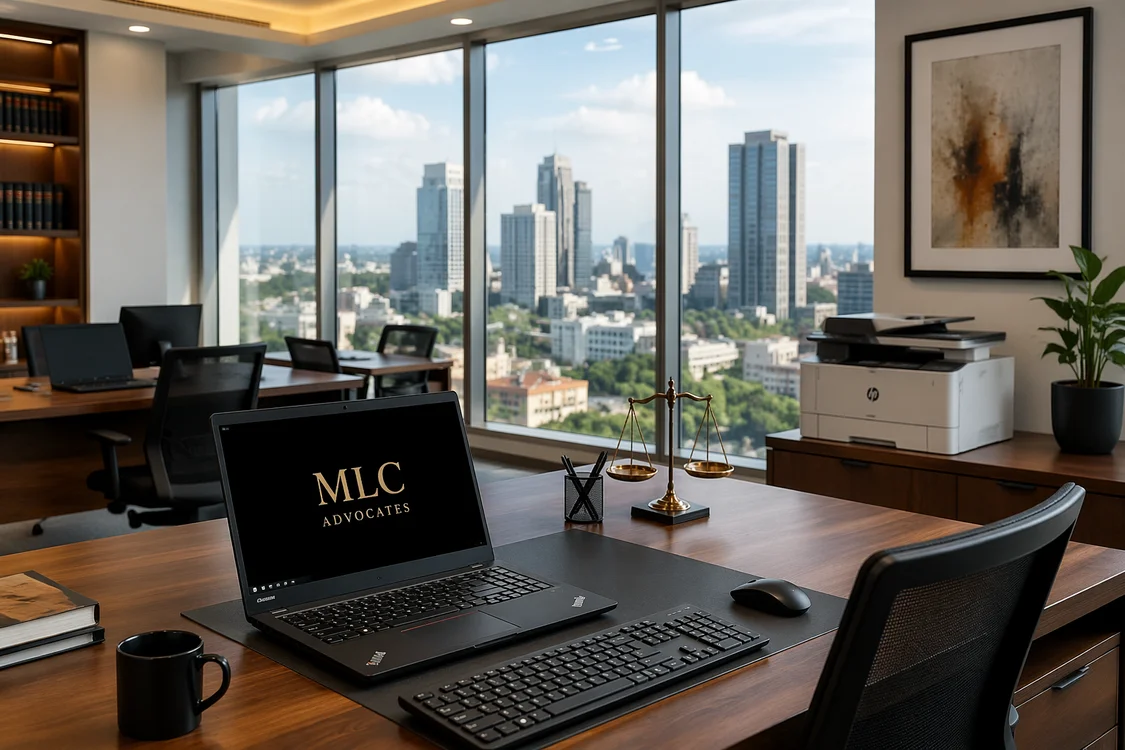
For members who do not always bring their own devices, having a shared workstation or two available makes the space significantly more useful. Ex-UK business-grade machines like HP Elitebooks or Lenovo ThinkPads are the right fit here: durable, decent specs, and priced sensibly for a shared environment where multiple people will use the same machine daily.
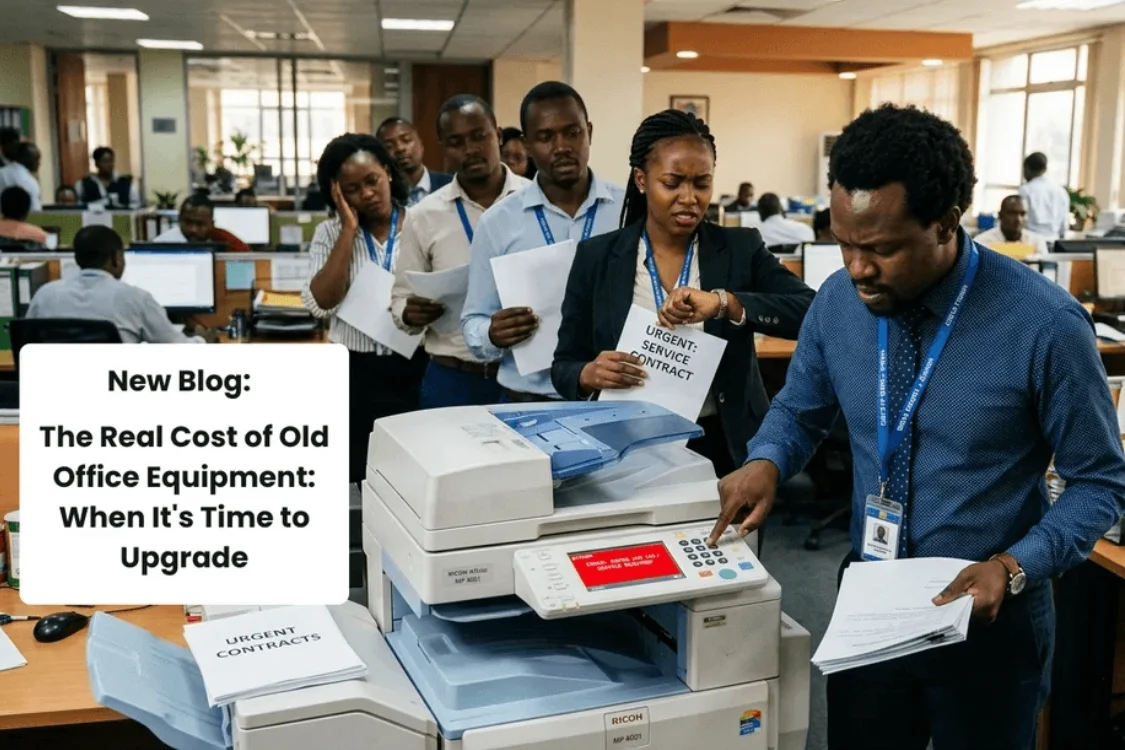
Members in a professional co-working space will occasionally need to print. A single networked Epson Ecotank L6490 multifunction printer accessible from the member Wi-Fi through a controlled print release system handles this without requiring the space to manage individual printer connections for every device that walks through the door.
5. The Detail That Members Notice More Than You Expect
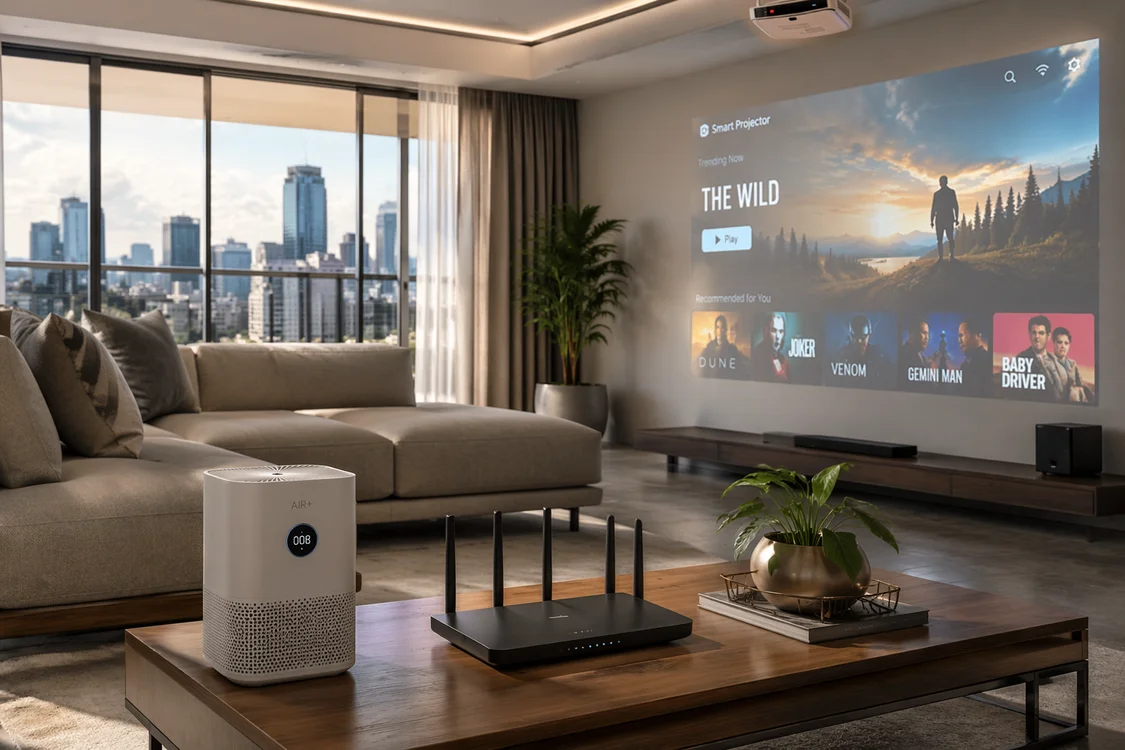
Air quality is one of the most overlooked aspects of a co-working space setup, and one of the most felt. A room of 20 people working for eight hours generates a significant amount of CO2 and airborne particles. The air gets heavy without anyone being able to pinpoint exactly why. People feel it as fatigue, reduced concentration, or just a general sense that the space is not comfortable to stay in for long.
The Havit HAP215 Smart Air Purifier runs quietly at 25 to 50 decibels: quiet enough to place right on a desk without anyone noticing it is on. Its CADR of 200m³/h cleans the air in rooms up to 30m² efficiently, and at just 24 watts, it costs almost nothing to run throughout the day. The compact footprint means it sits neatly in a corner or on a shelf without taking up meaningful space.
Members rarely comment on good air quality directly. What they notice is that your space feels comfortable to work in for a full day, and that is exactly the kind of thing that drives renewals and increased memberships..
Putting It All Together
A well-equipped co-working space of 15 to 30 desks is a meaningful infrastructure investment. It pays back through member retention, the ability to charge premium rates, and the kind of professional reputation that brings in the members who stay long-term and refer others.
The infrastructure that makes the biggest difference is rarely the most visible. Members do not usually comment on ceiling access points or the UPS units behind the networking rack. But they notice immediately when the Wi-Fi drops, when the power goes out and the internet stays down, or when they feel their work might not be secure in a shared environment.
Build the foundations properly and the space largely runs itself. Skimp on them and the management time gets absorbed by avoidable problems that a better setup would have prevented.
Setting up or upgrading a co-working space in Kenya?
Digitonia supplies and installs the complete technology infrastructure for co-working spaces, offices, and shared facilities across Kenya, from networking and power backup to security and workstations.
Call 0795 920 902 or send a chat on WhatsApp for a consultation and customized quote. Explore our business solutions here.

Leave a comment
You must be logged in to post a comment.